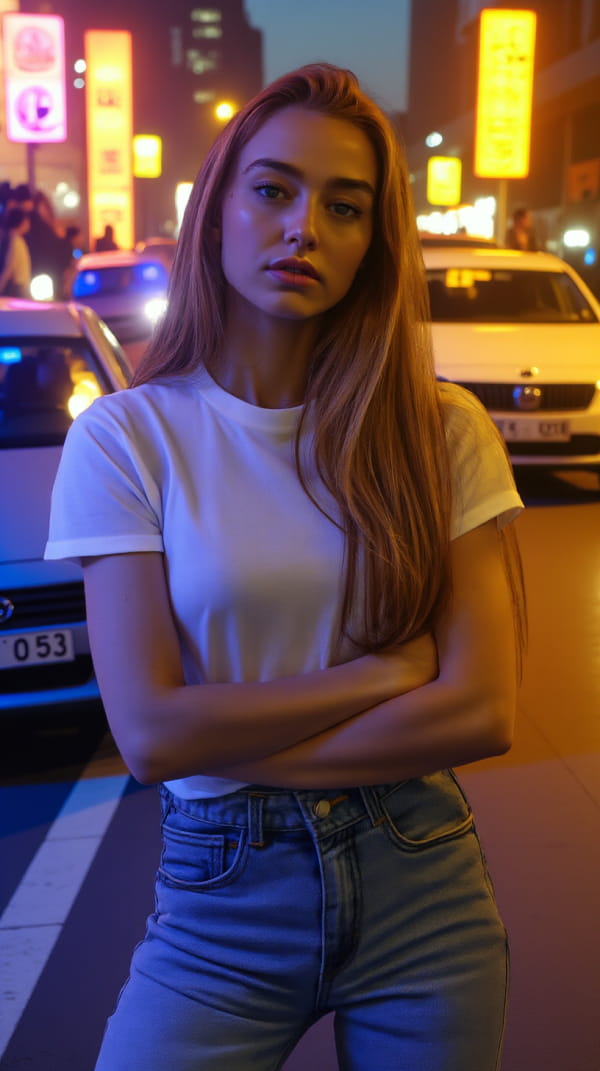
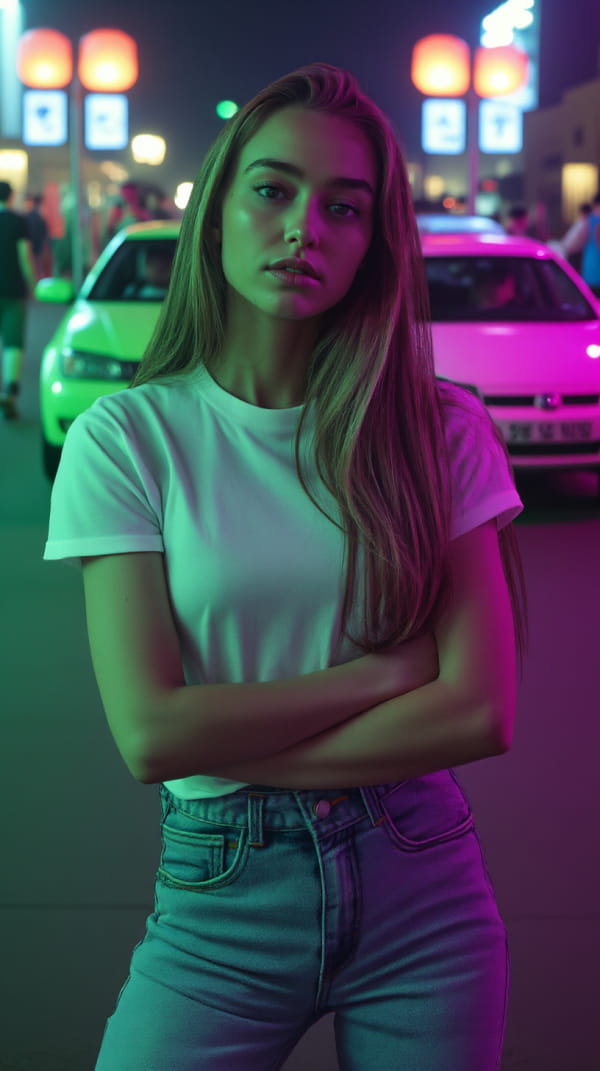
Redefine Photo Lighting
with a Brushstroke

Experience the future of image lighting with LuminaBrush - the revolutionary AI tool that transforms ordinary photos into stunning masterpieces through intelligent lighting manipulation.

Experience LuminaBrush Online

Transform your images with professional lighting effects in seconds

Tip: Draw colored strokes to add lighting effects - red for warm light, blue for cool light

Lighting Transformation

See how LuminaBrush transforms your images with intelligent lighting effects

Multi-Light Scene Enhancement
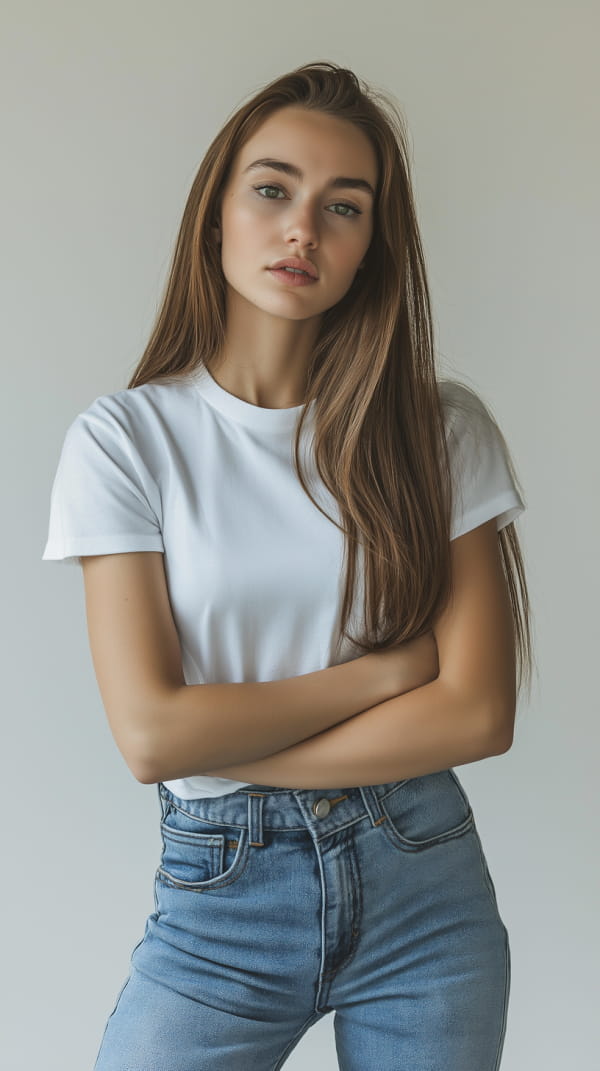
Original scene
Original Image
First lighting effect
Effect 1
Second lighting effect
Effect 2

Dynamic Lighting Control

Original scene 2
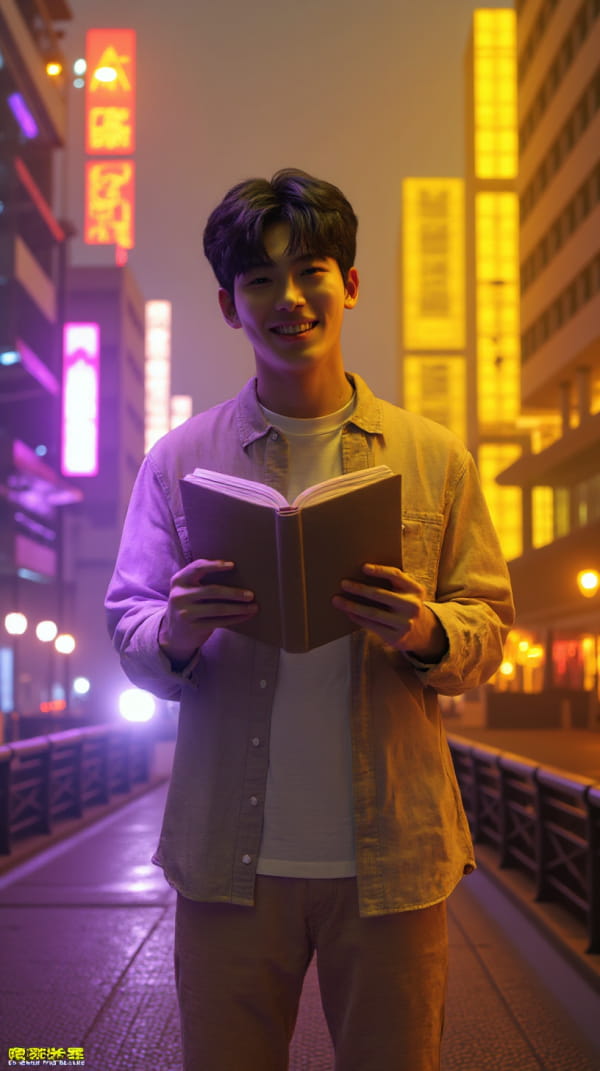
Original
Effect variation 1
Variation 1
Effect variation 2
Variation 2
Effect variation 3
Variation 3

Artistic Lighting Effects

Original artistic scene

Original
Artistic effect 1
Artistic Effect 1
Artistic effect 2
Artistic Effect 2
Hugging Face
Research Paper
⚡
Advanced AI

Cutting-edge Technology

👥
50K+ Users

Active Community

🔒
Free to Try

No Registration Required

✓ Built by ControlNet Team
✓ Regular Updates
✓ Active Development

What Users Say

Real experiences from creative professionals

Professional Photographer

Sarah Johnson

Professional Photographer

"LuminaBrush has revolutionized my product photography workflow. The AI-powered lighting controls are simply incredible."

Why Choose LuminaBrush

Advanced AI-powered features that revolutionize image lighting

🎨

No 3D Skills Required

Control lighting direction and intensity through intuitive brush strokes. Say goodbye to complex 3D modeling.

🔍

Detail Preservation

Our AI algorithm ensures perfect preservation of skin textures, material reflections, and micro-details.

🚀

Two-Stage Framework

Revolutionary two-stage approach for uniform lighting transformation and precise illumination effects.

Simple Workflow, Professional Results

Transform your images in just a few steps

1

Upload Image

Import your image into LuminaBrush's processing system

2

AI Analysis

Advanced AI analyzes and optimizes lighting conditions

3

Apply Effects

Draw with intuitive brush tools to add lighting effects

4

Export

Download your enhanced image in high quality

Advanced Technology

Powered by cutting-edge AI research

Flux Integration

Built on the cutting-edge Flux framework, delivering unparalleled consistency and professional-grade results.

  • Advanced neural rendering pipeline
  • Real-time preview capabilities
  • Optimized performance for large images

Two-Stage Framework

Revolutionary approach that ensures perfect lighting control while maintaining natural image qualities.

  • Uniform lighting transformation
  • Precise illumination effects
  • Detail preservation system

Application Scenarios

Discover how LuminaBrush enhances different creative workflows

📸

Product Photography

Perfect for e-commerce and product showcases. Create professional studio-quality lighting effects that highlight product features and textures.

  • • Enhanced product details
  • • Consistent lighting across collections
  • • Quick iterations for multiple angles
🎨

Digital Art

Transform concept art and illustrations with dynamic lighting effects. Create mood and atmosphere without complex 3D tools.

  • • Dramatic lighting scenarios
  • • Atmospheric effects
  • • Real-time lighting adjustments
👤

Portrait Enhancement

Elevate portrait photography with professional lighting effects. Perfect for headshots and fashion photography.

  • • Natural skin tone preservation
  • • Studio-quality results
  • • Custom lighting patterns
🎮

Game Development

Streamline concept art workflow and rapid prototyping for game environments. Test different lighting scenarios quickly.

  • • Environment lighting studies
  • • Mood exploration
  • • Time-saving iterations
🎥

Film Pre-visualization

Quickly visualize lighting setups for film and video production. Plan shots more effectively.

  • • Lighting scenario testing
  • • Shot planning
  • • Mood board creation

Start Creating with LuminaBrush

Join 50,000+ creative professionals using LuminaBrush